

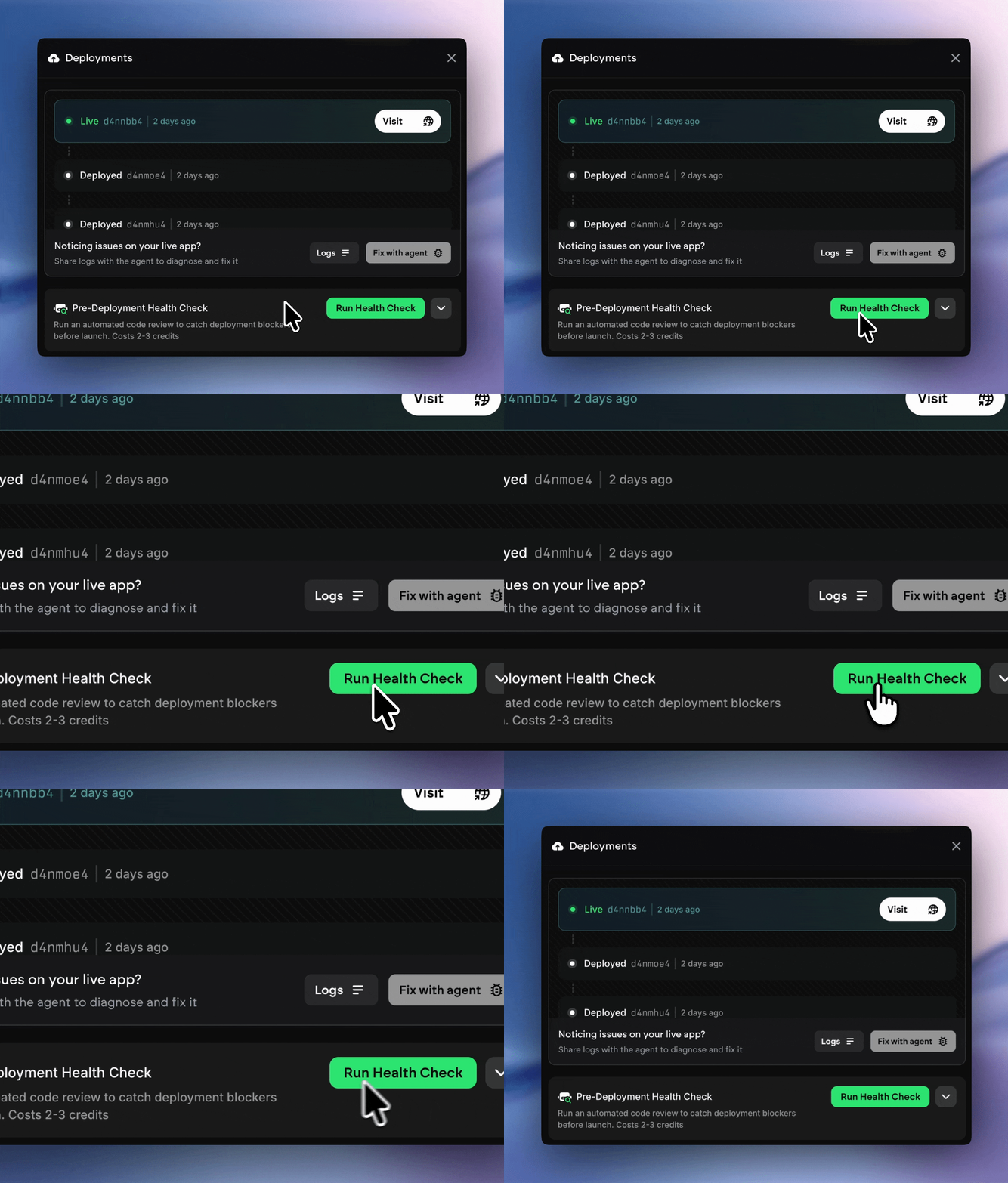
What It Does
Here’s the brief rundown of what this feature actually does: Automated Code Review:1
Scans your entire codebase automatically
2
Identifies deployment blockers before you deploy
3
Catches configuration issues, missing dependencies, and common problems
4
Reviews your code for issues that could cause deployment to fail
- Automated: Runs without manual intervention
- Pre-emptive: Catches issues BEFORE deployment
- Comprehensive: Reviews code for deployment blockers
- Cost-effective: Only costs 2-3 credits
How to Interpret Results
All Green = Passed
Status: READY TO DEPLOY What this means:- No deployment blockers found
- Configuration looks good - Dependencies are properly set up
- Safe to proceed with deployment
- Optionally run Preview to test functionality
- Click Deploy with confidence!
Warnings = Proceed With Caution
Status: WARNINGS FOUND What this means:- No critical blockers - only recommended improvements
- Deployment is likely to succeed - may have edge cases where production issues crop up
- Review warnings
- Decide if you wish to deploy now (Ask the agent if the errors are potential blockers)
Critical Issues Found = Do Not Deploy
Status: DEPLOYMENT BLOCKERS FOUND What this means:- Issues that will cause deployment to fail
- Must be fixed before deploying
- Fix each critical issue listed
- Run health check again
- Only deploy after all critical issues are resolved